A website can generate inquiries, quote requests, demo bookings, and other valuable leads, but collecting those submissions is only the first step. If the information still needs to be copied manually into spreadsheets, emailed between team members, or entered into a CRM by hand, the business is creating unnecessary work and increasing the risk that valuable leads will be lost.
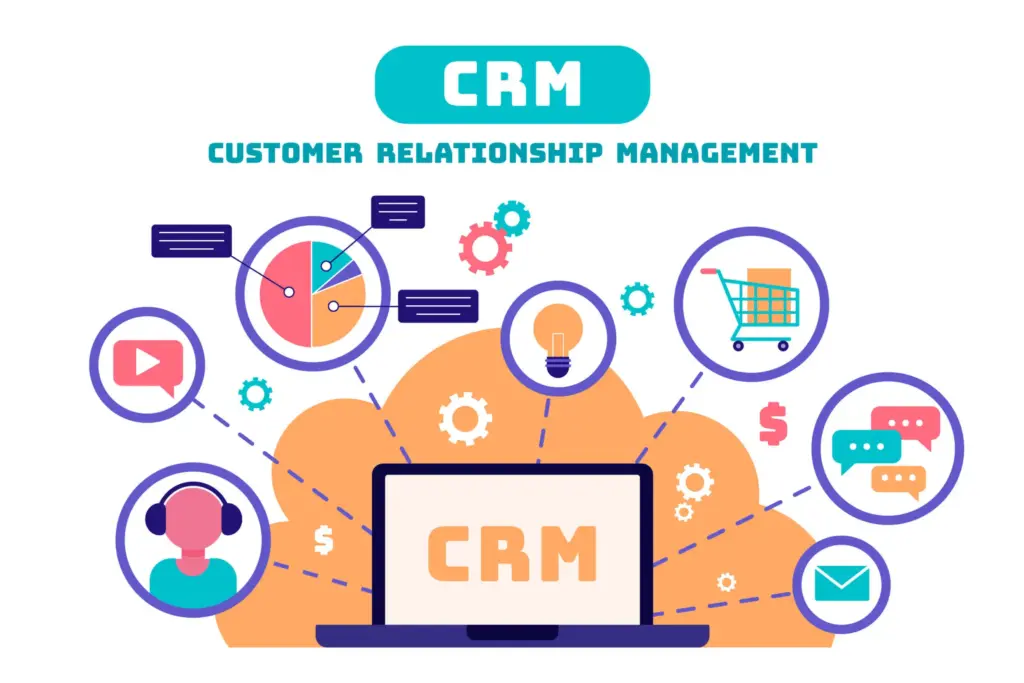
Integrating your CRM with your website connects the point where a prospect first interacts with the business to the system where sales and customer relationships are managed.
When the integration is configured correctly, a form submission can automatically create or update a contact, record the source of the lead, notify the appropriate salesperson, trigger follow-up activities, and keep information organized throughout the sales process.
This allows the website to become more than a lead-generation tool. It becomes part of a connected sales and marketing system.
Why Connect Your CRM to Your Website?
Many businesses already use a customer relationship management platform such as HubSpot, Salesforce, Zoho, Kommo, or another CRM. However, simply having a CRM does not mean website leads are being managed efficiently.
Without an integration, a common process looks like this: someone completes a contact form, the submission arrives by email, an employee manually creates a record in the CRM, and the sales team follows up when someone notices the message.
That process may work when a company receives only a few inquiries per month, but it becomes increasingly inefficient as lead volume grows.
A website-to-CRM integration can automatically transfer important information such as:
- Name and contact details
- Company information
- Service or product of interest
- Form or landing page used
- Original traffic source
- Campaign information
- Geographic information
- Notes submitted by the prospect
The result is a more consistent process and better visibility into where leads are coming from.
It also reduces the risk that inquiries remain unanswered. A CRM can assign leads to specific team members, generate notifications, create follow-up tasks, and help management see which opportunities are moving through the sales process.
New Light Digital’s guide to CRM systems for sales and marketing explains why centralized customer data and structured follow-up become increasingly important as a business grows. New Light Digital
Decide What Information Should Flow Into the CRM
A good integration starts with planning rather than technology.
Before connecting anything, businesses should determine what information the sales team actually needs. Sending every possible website field into the CRM can create unnecessary complexity, while collecting too little information can make follow-up difficult.
The most important fields will depend on the business.
A B2B service company might collect the prospect’s name, company, email address, phone number, service required, and estimated project scope. A contractor may also need property location and project type. An ecommerce company may connect customer and order information rather than relying primarily on lead forms.
The website fields should then correspond with appropriate CRM fields.
For example:
- First name → Contact first name
- Email → Contact email
- Company → Company record
- Requested service → Service interest
- Project details → Notes or custom field
- Form source → Lead source
- Campaign → Marketing attribution field
This mapping matters because inconsistent data quickly makes a CRM difficult to use.
If one form records “Website Design,” another records “web development,” and a third records “New Site,” the sales team may eventually have several labels describing the same service.
Map the Sales Process Before Building Automation
Businesses should also define what happens after the lead reaches the CRM.
A typical process may include:
- Website visitor completes a form.
- The CRM creates or updates the contact.
- The lead enters the appropriate sales pipeline.
- A salesperson receives a notification.
- A follow-up task is created.
- The prospect receives a confirmation email.
- Future sales activity is recorded against the same contact.
The exact workflow should reflect how the company actually sells.
New Light Digital’s CRM implementation and integration service follows this same principle: sales stages, handoffs, data requirements, and automation should be mapped before the technology is configured. New Light Digital
Choose the Right Integration Method
There are several ways to connect a website with a CRM, and the best method depends on the website platform, CRM, required functionality, and level of customization.
For many businesses, the simplest option is to use forms provided directly by the CRM.
HubSpot, for example, allows businesses to embed HubSpot forms on externally hosted websites. Submissions can then sync directly with HubSpot contacts, where the business can manage the lead, trigger automation, and analyze performance. HubSpot Knowledge Base
Salesforce provides a similar Web-to-Lead feature that can create lead records from information submitted through website forms. Salesforce
Other businesses may prefer to keep existing website forms and send the information to the CRM through a plugin, integration platform, webhook, or API.
Common integration methods include:
- Native CRM forms
- Website plugins
- CRM connectors
- Automation platforms
- Webhooks
- Custom API integrations
The best solution is not necessarily the most technically complicated one.
If a standard integration reliably transfers all required information, there may be little reason to build a completely custom system. Custom API development becomes more valuable when the business needs complex workflows, unusual data structures, multiple systems, or functionality that standard integrations cannot support.
Native Integration vs Custom Integration
Native integrations are generally faster to implement and easier to maintain. They work especially well for standard lead forms, newsletter subscriptions, demo requests, and consultation bookings.
Custom integrations provide greater control.
A business may need custom development if the website must exchange information with several systems, create records based on complex rules, update customer portals, synchronize product data, or perform actions beyond simple lead capture.
The decision should depend on business requirements rather than choosing custom development simply because it appears more advanced.
Looking for a Results-Driven Marketing Agency?
Connect Forms, Tracking, and Lead Attribution
Creating a CRM contact is useful, but businesses can get much more value from the integration if they also capture where the lead came from.
Without attribution data, the sales team may know that a prospect completed a website form but have no idea whether that visitor originally arrived through Google Ads, organic search, LinkedIn, email marketing, or another campaign.
Website tracking can help connect marketing activity with CRM records.
Useful data may include:
- Original traffic source
- UTM parameters
- Campaign name
- Landing page
- Referring website
- First conversion
- Most recent conversion
This information allows businesses to evaluate which marketing channels generate actual sales opportunities rather than simply clicks and form submissions.
For example, two advertising campaigns may each generate 20 leads. One campaign could produce mostly unqualified inquiries, while the other produces several high-value customers. CRM attribution makes that difference easier to identify.
HubSpot notes that businesses using embedded forms on external websites should also install the appropriate tracking code when they want to track form analytics and website activity. HubSpot Knowledge Base
This connection between website analytics and CRM data can provide a much clearer view of the customer journey.
Our article about why website traffic does not always generate leads explains why traffic volume alone is not enough. Businesses need to understand whether visitors become qualified opportunities and customers. New Light Digital
Automate Follow-Up Without Losing the Human Element
Once website data is reaching the CRM correctly, businesses can automate repetitive steps that previously required manual work.
Useful automation might include:
- Sending an immediate confirmation email
- Assigning a lead to the appropriate salesperson
- Creating a follow-up task
- Notifying the sales team
- Moving the contact into the correct pipeline
- Applying tags based on service interest
- Starting a nurture sequence
- Updating lead status after specific actions
Automation can improve response speed and consistency, but it should support the sales process rather than replace it completely.
A high-value lead requesting a consultation may need personal contact from a salesperson very quickly. An early-stage prospect downloading a guide may be better suited to an automated educational email sequence.
The workflow should reflect intent.
Businesses should also be careful not to automate every possible interaction simply because the CRM allows it. Too many emails, unnecessary notifications, and complicated workflow rules can create as much confusion as a completely manual process.
The most useful automations usually remove repetitive administrative tasks and make it easier for employees to focus on conversations that require human judgment.
Test the Integration Before Relying on It
A CRM integration should never be considered complete simply because the systems are technically connected.
The full process should be tested from the perspective of a real customer.
Submit forms from different pages and verify that:
- Contacts are created correctly
- Existing contacts are not unnecessarily duplicated
- Fields contain the correct information
- Lead sources are recorded
- Pipeline stages are correct
- Notifications reach the appropriate people
- Automated emails are sent correctly
- Mobile forms work properly
- Error messages are clear
- Spam submissions are filtered where possible
Duplicate records deserve particular attention.
If the same person downloads a resource, later requests a quote, and eventually books a consultation, those actions should ideally contribute to the same customer history rather than creating three unrelated contacts.
Businesses should also review privacy and consent requirements when collecting and transferring personal information. Forms should clearly communicate how information will be used, and the website’s privacy practices should reflect the systems involved in storing customer data.
Testing should continue after launch as well. Website updates, CRM changes, plugin updates, or modifications to custom fields can occasionally break previously working integrations.
Periodic testing helps identify these problems before they result in lost leads.
Turn Your Website and CRM Into One Sales System
A CRM integration is most valuable when the website and sales process are designed to work together.
The website attracts visitors and encourages them to take action. The CRM captures that information, organizes leads, supports follow-up, and records what happens after the initial inquiry.
When those systems are disconnected, businesses lose visibility between marketing and sales.
When they are properly integrated, companies can better understand which campaigns generate valuable customers, how quickly sales teams respond, which services attract the strongest opportunities, and where leads are being lost.
This information can then influence future marketing decisions.
If a particular landing page consistently produces high-quality leads, the business can invest more heavily in that campaign. If one service attracts large amounts of traffic but very few qualified opportunities, the messaging or targeting may need to change.
The website therefore becomes more useful when it is connected to the systems employees use every day.
A CRM integration should not simply move form submissions from one database to another. It should create a smoother journey from the first website interaction to the eventual customer relationship.
Ready to Connect Your Website and CRM?
If your website generates leads but your team still spends time manually entering information, assigning inquiries, or tracking follow-up, New Light Digital can help.
Our team can connect your website with your CRM, configure lead forms, map customer data, build useful automations, and create a workflow that fits the way your sales team actually operates.
Whether you use HubSpot, Zoho, Kommo, or another CRM, we can help turn your website and sales platform into a more connected system. Schedule your free consultation today.
Further reading: